mirror of
https://git.datalinker.icu/comfyanonymous/ComfyUI
synced 2026-08-23 21:11:20 +08:00

111 lines
8.7 KiB
Markdown
111 lines
8.7 KiB
Markdown
# ComfyUI-VideoHelperSuite
|
|
Nodes related to video workflows
|
|
|
|
## I/O Nodes
|
|
### Load Video
|
|
Converts a video file into a series of images
|
|
- video: The video file to be loaded
|
|
- force_rate: Discards or duplicates frames as needed to hit a target frame rate. Disabled by setting to 0. This can be used to quickly match a suggested frame rate like the 8 fps of AnimateDiff.
|
|
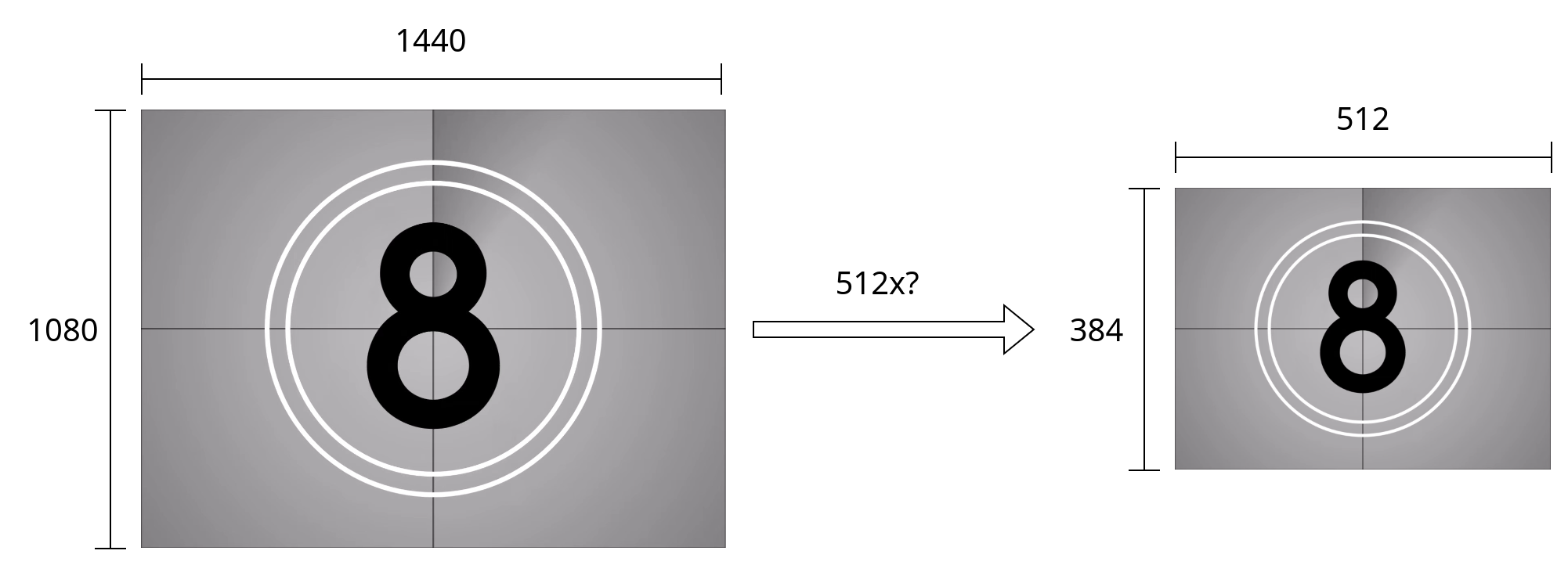
- force_size: Allows for quick resizing to a number of suggested sizes. Several options allow you to set only width or height and determine the other from aspect ratio.
|
|
- frame_load_cap: The maximum number of frames which will be returned. This could also be thought of as the maximum batch size.
|
|
- skip_first_frames: How many frames to skip from the start of the video after adjusting for a forced frame rate. By incrementing this number by the frame_load_cap, you can easily process a longer input video in parts.
|
|
- select_every_nth: Allows for skipping a number of frames without considering the base frame rate or risking frame duplication. Often useful when working with animated gifs
|
|
A path variant of the Load Video node exists that allows loading videos from external paths
|
|

|
|
|
|
If [Advanced Previews](#advanced-previews) is enabled in the options menu of the web ui, the preview will reflect the current settings on the node.
|
|
### Load Image Sequence
|
|
Loads all image files from a subfolder. Options are similar to Load Video.
|
|
- image_load_cap: The maximum number of images which will be returned. This could also be thought of as the maximum batch size.
|
|
- skip_first_images: How many images to skip. By incrementing this number by image_load_cap, you can easily divide a long sequence of images into multiple batches.
|
|
- select_every_nth: Allows for skipping a number of images between every returned frame.
|
|
|
|
A path variant of Load Image sequence also exists.
|
|
### Video Combine
|
|
Combines a series of images into an output video
|
|
If the optional audio input is provided, it will also be combined into the output video
|
|
- frame_rate: How many of the input frames are displayed per second. A higher frame rate means that the output video plays faster and has less duration. This should usually be kept to 8 for AnimateDiff, or matched to the force_rate of a Load Video node.
|
|
- loop_count: How many additional times the video should repeat
|
|
- filename_prefix: The base file name used for output.
|
|
- You can save output to a subfolder: `subfolder/video`
|
|
- Like the builtin Save Image node, you can add timestamps. `%date:yyyy-MM-ddThh:mm:ss%` might become 2023-10-31T6:45:25
|
|
- format: The file format to use. Advanced information on configuring or adding additional video formats can be found in the [Video Formats](#video-formats) section.
|
|
- pingpong: Causes the input to be played back in the reverse to create a clean loop.
|
|
- save_output: Whether the image should be put into the output directory or the temp directory.
|
|
Returns: a `VHS_FILENAMES` which consists of a boolean indicating if save_output is enabled and a list of the full filepaths of all generated outputs in the order created. Accordingly `output[1][-1]` will be the most complete output.
|
|
|
|
Depending on the format chosen, additional options may become available, including
|
|
- crf: Describes the quality of the output video. A lower number gives a higher quality video and a larger file size, while a higher number gives a lower quality video with a smaller size. Scaling varies by codec, but visually lossless output generally occurs around 20.
|
|
- save_metadata: Includes a copy of the workflow in the output video which can be loaded by dragging and dropping the video, just like with images.
|
|
- pix_fmt: Changes how the pixel data is stored. `yuv420p10le` has higher color quality, but won't work on all devices
|
|
### Load Audio
|
|
Provides a way to load standalone audio files.
|
|
- seek_seconds: An optional start time for the audio file in seconds.
|
|
|
|
## Latent/Image Nodes
|
|
A number of utility nodes exist for managing latents. For each, there is an equivalent node which works on images.
|
|
### Split Batch
|
|
Divides the latents into two sets. The first `split_index` latents go to output A and the remainder to output B. If less then `split_index` latents are provided as input, all are passed to output A and output B is empty.
|
|
### Merge Batch
|
|
Combines two groups of latents into a single output. The order of the output is the latents in A followed by the latents in B.
|
|
If the input groups are not the same size, the node provides options for rescaling the latents before merging.
|
|
### Select Every Nth
|
|
The first of every `select_every_nth` input is passed and the remainder are discarded
|
|
### Get Count
|
|
### Duplicate Batch
|
|
|
|
## Video Previews
|
|
Load Video (Upload), Load Video (Path), Load Images (Upload), Load Images (Path) and Video Combine provide animated previews.
|
|
Nodes with previews provide additional functionality when right clicked
|
|
- Open preview
|
|
- Save preview
|
|
- Pause preview: Can improve performance with very large videos
|
|
- Hide preview: Can improve performance, save space
|
|
- Sync preview: Restarts all previews for side-by-side comparisons
|
|
|
|
### Advanced Previews
|
|
Advanced Previews must be manually enabled by clicking the settings gear next to Queue Prompt and checking the box for VHS Advanced Previews.
|
|
If enabled, videos which are displayed in the ui will be converted with ffmpeg on request. This has several benefits
|
|
- Previews for Load Video nodes will reflect the settings on the node such as skip_first_frames and frame_load_cap
|
|
- This makes it easy to select an exact portion of an input video and sync it with outputs
|
|
- It can use substantially less bandwidth if running the server remotely
|
|
- It can greatly improve the browser performance by downsizing videos to the in ui resolution, particularly useful with animated gifs
|
|
- It allows for previews of videos that would not normally be playable in browser.
|
|
- Can be limited to subdirectories of ComyUI if `VHS_STRICT_PATHS` is set as an environment variable.
|
|
|
|
This fucntionality is disabled since it comes with several downsides
|
|
- There is a delay before videos show in the browser. This delay can become quite large if the input video is long
|
|
- The preview videos are lower quality (The original can always be viewed with Right Click -> Open preview)
|
|
|
|
## Video Formats
|
|
Those familiar with ffmpeg are able to add json files to the video_formats folders to add new output types to Video Combine.
|
|
Consider the following example for av1-webm
|
|
```json
|
|
{
|
|
"main_pass":
|
|
[
|
|
"-n", "-c:v", "libsvtav1",
|
|
"-pix_fmt", "yuv420p10le",
|
|
"-crf", ["crf","INT", {"default": 23, "min": 0, "max": 100, "step": 1}]
|
|
],
|
|
"audio_pass": ["-c:a", "libopus"],
|
|
"extension": "webm",
|
|
"environment": {"SVT_LOG": "1"}
|
|
}
|
|
```
|
|
Most configuration takes place in `main_pass`, which is a list of arguments that are passed to ffmpeg.
|
|
- `"-n"` designates that the command should fail if a file of the same name already exists. This should never happen, but if some bug were to occur, it would ensure other files aren't overwritten.
|
|
- `"-c:v", "libsvtav1"` designates that the video should be encoded with an av1 codec using the new SVT-AV1 encoder. SVT-AV1 is much faster than libaom-av1, but may not exist in older versions of ffmpeg. Alternatively, av1_nvenc could be used for gpu encoding with newer nvidia cards.
|
|
- `"-pix_fmt", "yuv420p10le"` designates the standard pixel format with 10-bit color. It's important that some pixel format be specified to ensure a nonconfigurable input pix_fmt isn't used.
|
|
|
|
`audio pass` contains a list of arguments which are passed to ffmpeg when audio is passed into Video Combine
|
|
|
|
`extension` designates both the file extension and the container format that is used. If some of the above options are omitted from `main_pass` it can affect what default options are chosen.
|
|
`environment` can optionally be provided to set environment variables during execution. For av1 it's used to reduce the verbosity of logging so that only major errors are displayed.
|
|
`input_color_depth` effects the format in which pixels are passed to the ffmpeg subprocess. Current valid options are `8bit` and `16bit`. The later will produce higher quality output, but is experimental.
|
|
|
|
Fields can be exposed in the webui as a widget using a format similar to what is used in the creation of custom nodes. In the above example, the argument for `-crf` will be exposed as a format widget in the webui. Format widgets are a list of up to 3 terms
|
|
- The name of the widget that will be displayed in the web ui
|
|
- Either a primitive such as "INT" or "BOOLEAN", or a list of string options
|
|
- A dictionary of options
|